Feature · Terminal UI
The terminal Markdown editor with AI search.
Vim-style modal editing, a split preview that renders as you type, tabs, and the only AI semantic search in a terminal — find notes in natural language, and let AI agents read and write your vault over MCP. Works over SSH, no GUI required.
30-second demo
Watch it work.
A real recording of the TUI you can download today — split editing, tabs, vault-wide search, Mermaid and themes in half a minute.
Real screenshots
This is the product, as it ships.
Captured from the TUI you can download today — no mockups, no renders.
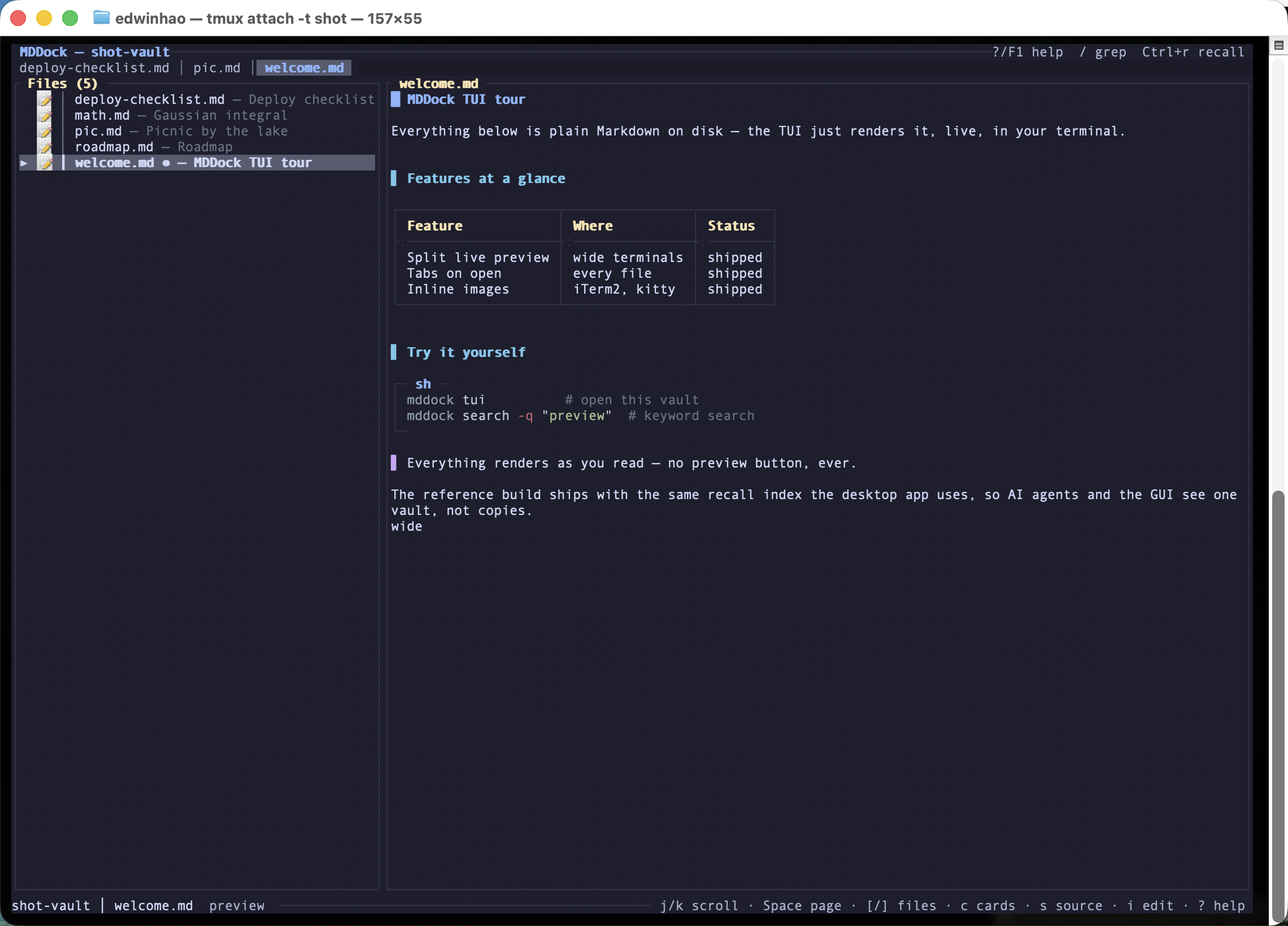
File tree on the left, fully rendered Markdown — tables, code blocks, quotes — on the right.
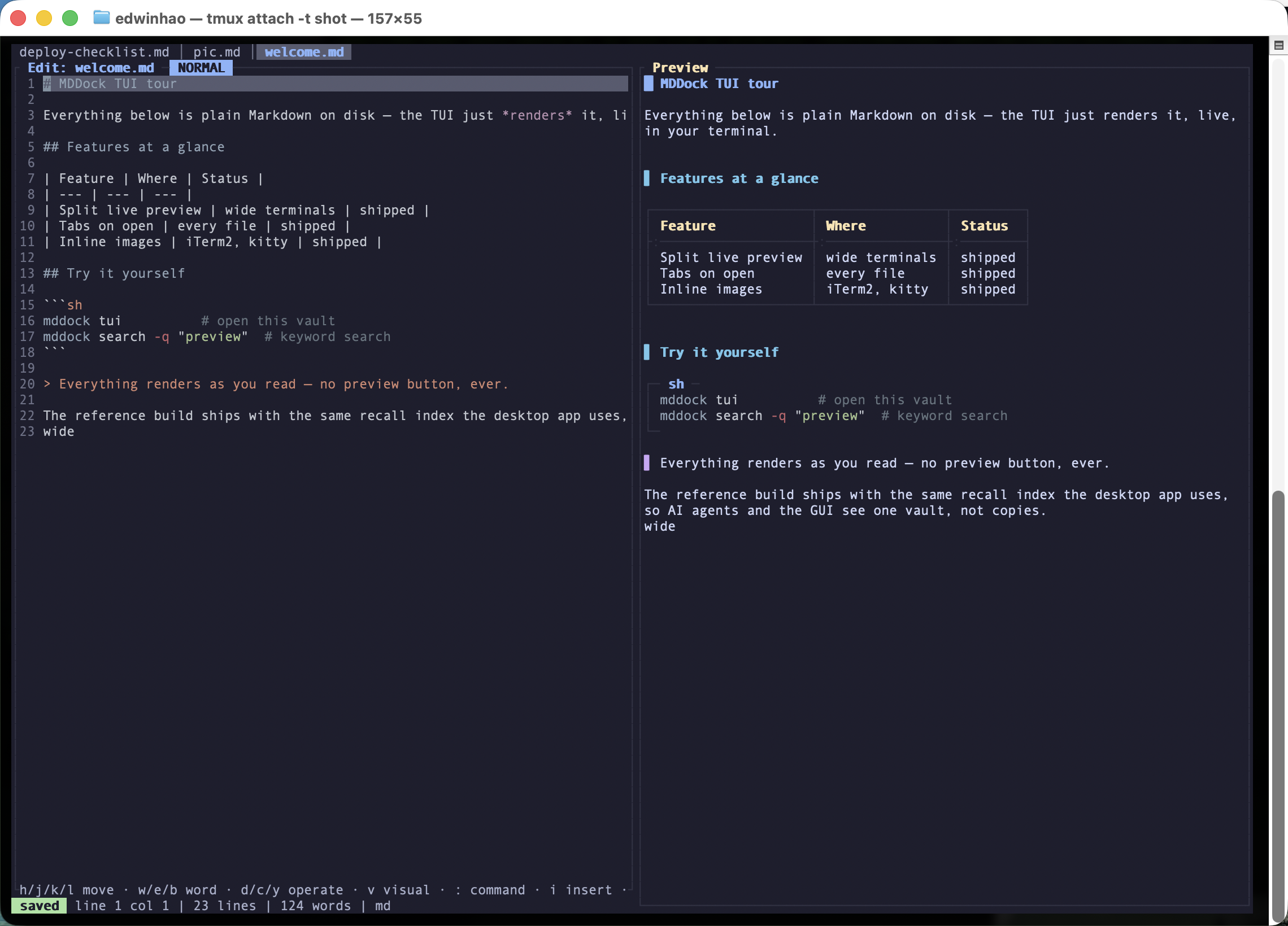
Type on the left, watch it render on the right — autosaved moments after you stop.
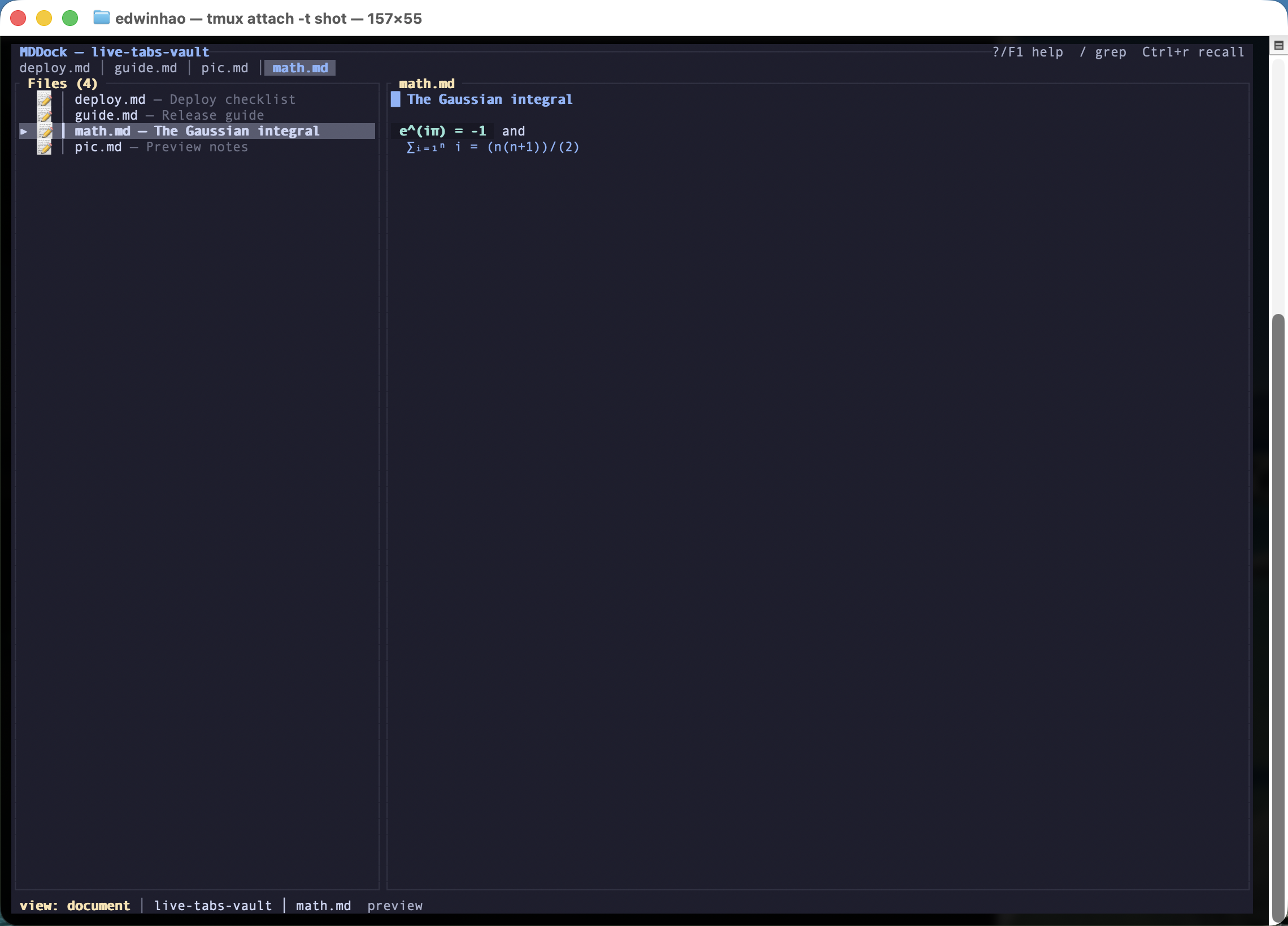
Open a file and it gets a tab — Tab / ⇧Tab to hop while reading, gt / gT in the editor, click to switch, middle-click to close.
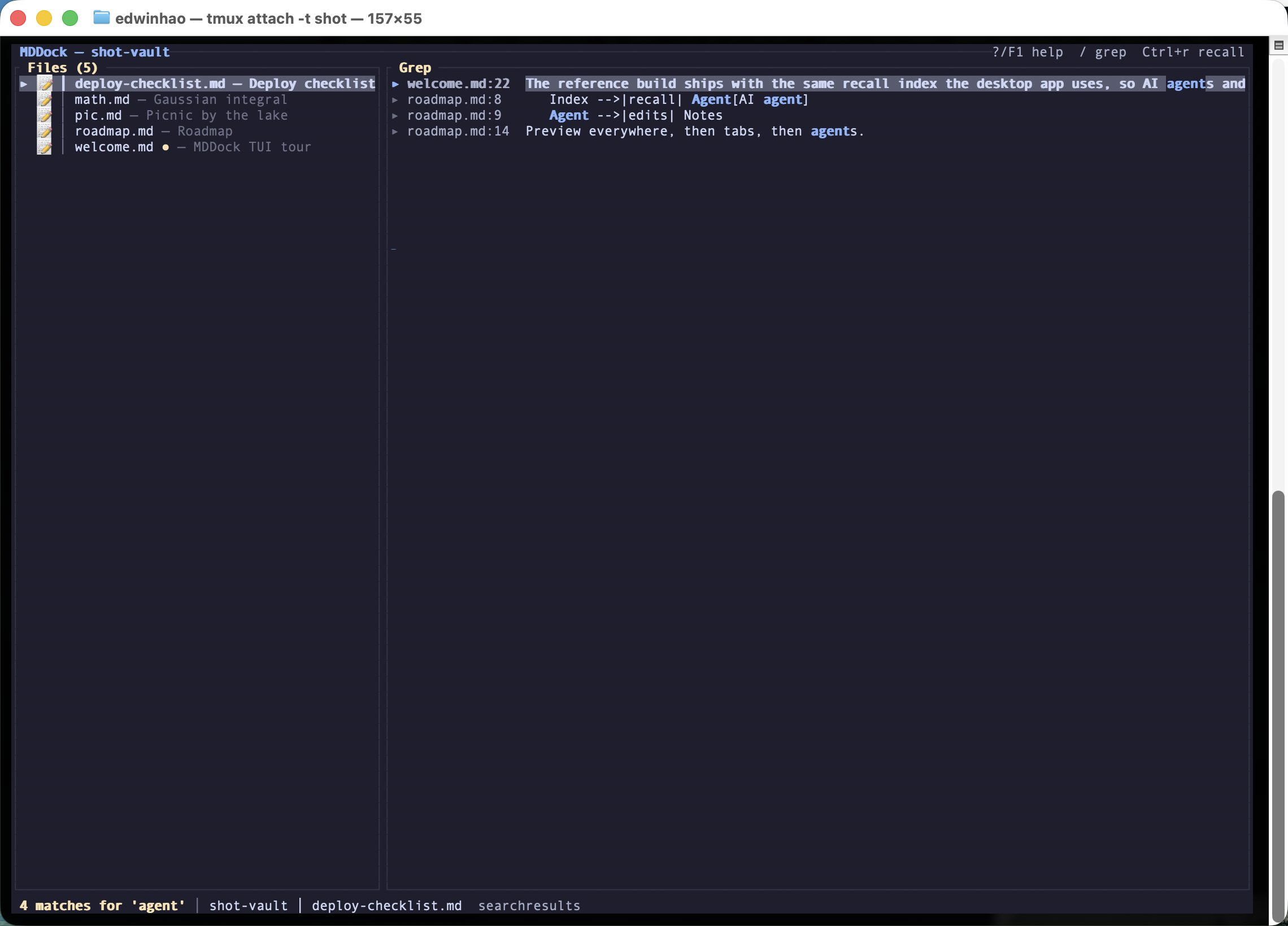
Press / and search every file at once — Enter jumps straight to the matching line.
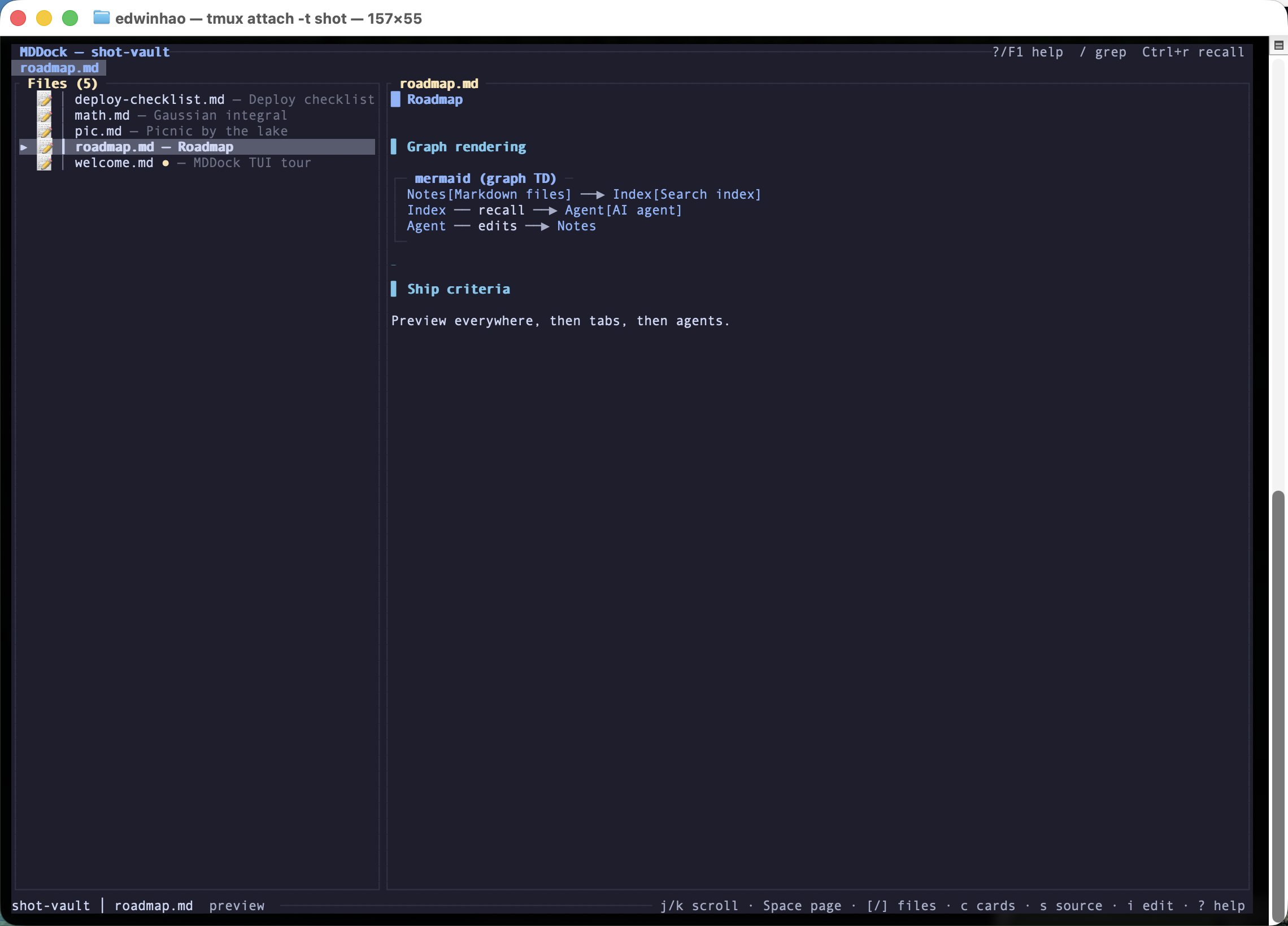
Flowcharts render right in the terminal — no browser, no image export.
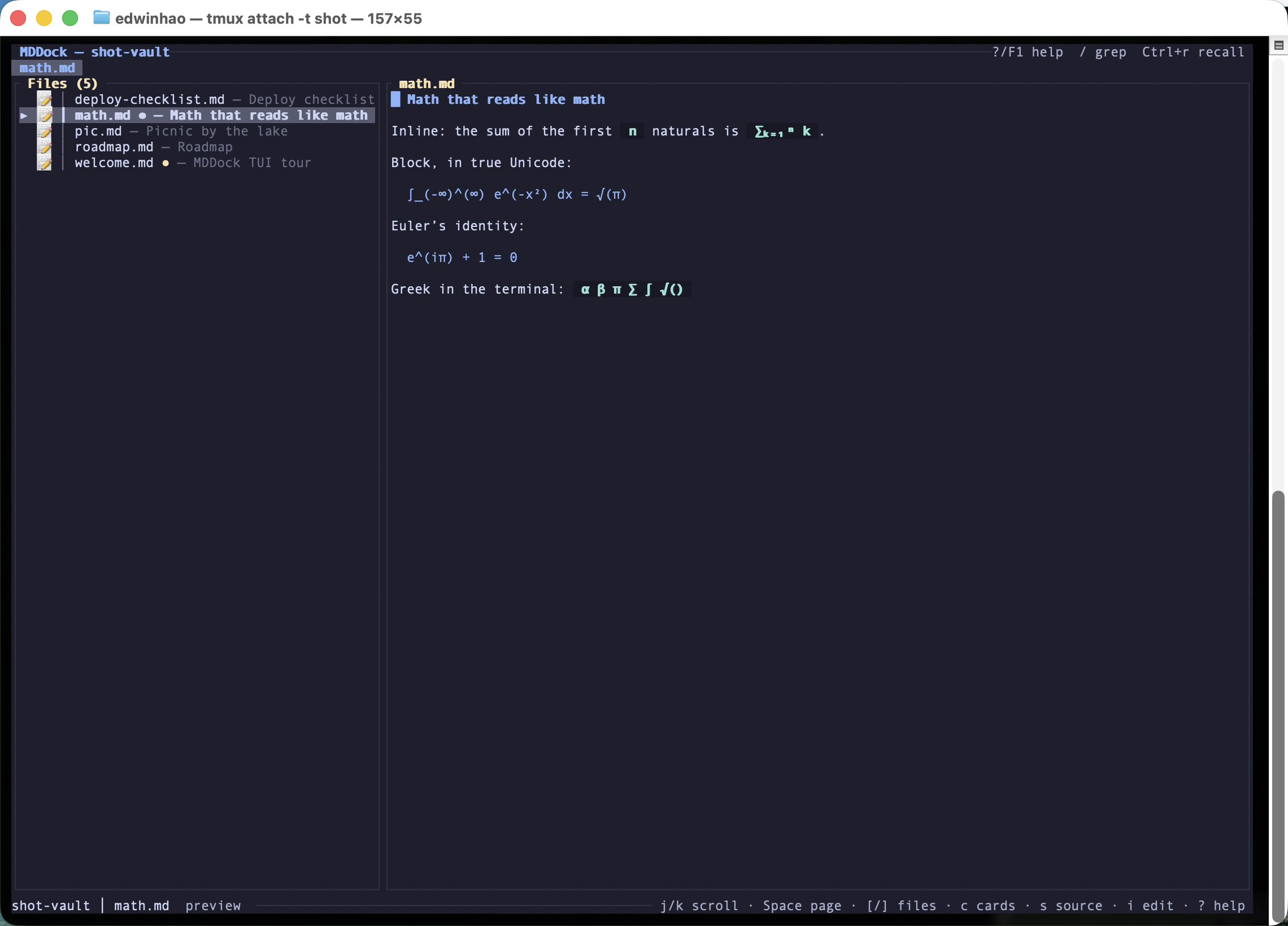
$...$ and $$...$$ render as real math — ∑, ∫, √, super- and subscripts, Greek letters — right in the terminal.
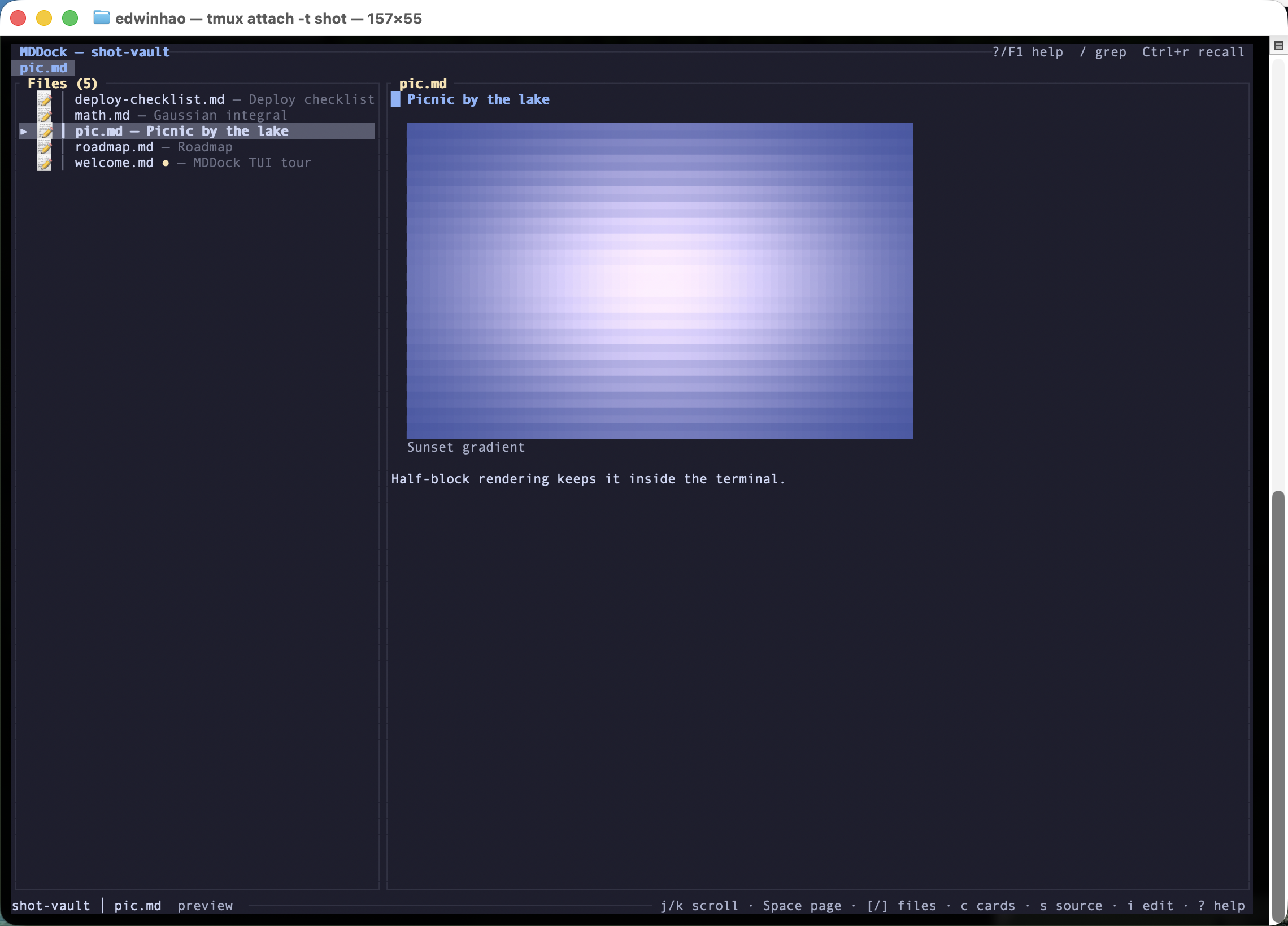
Markdown images render as true-color half-blocks in modern terminals — older ones fall back to 256 colors automatically.
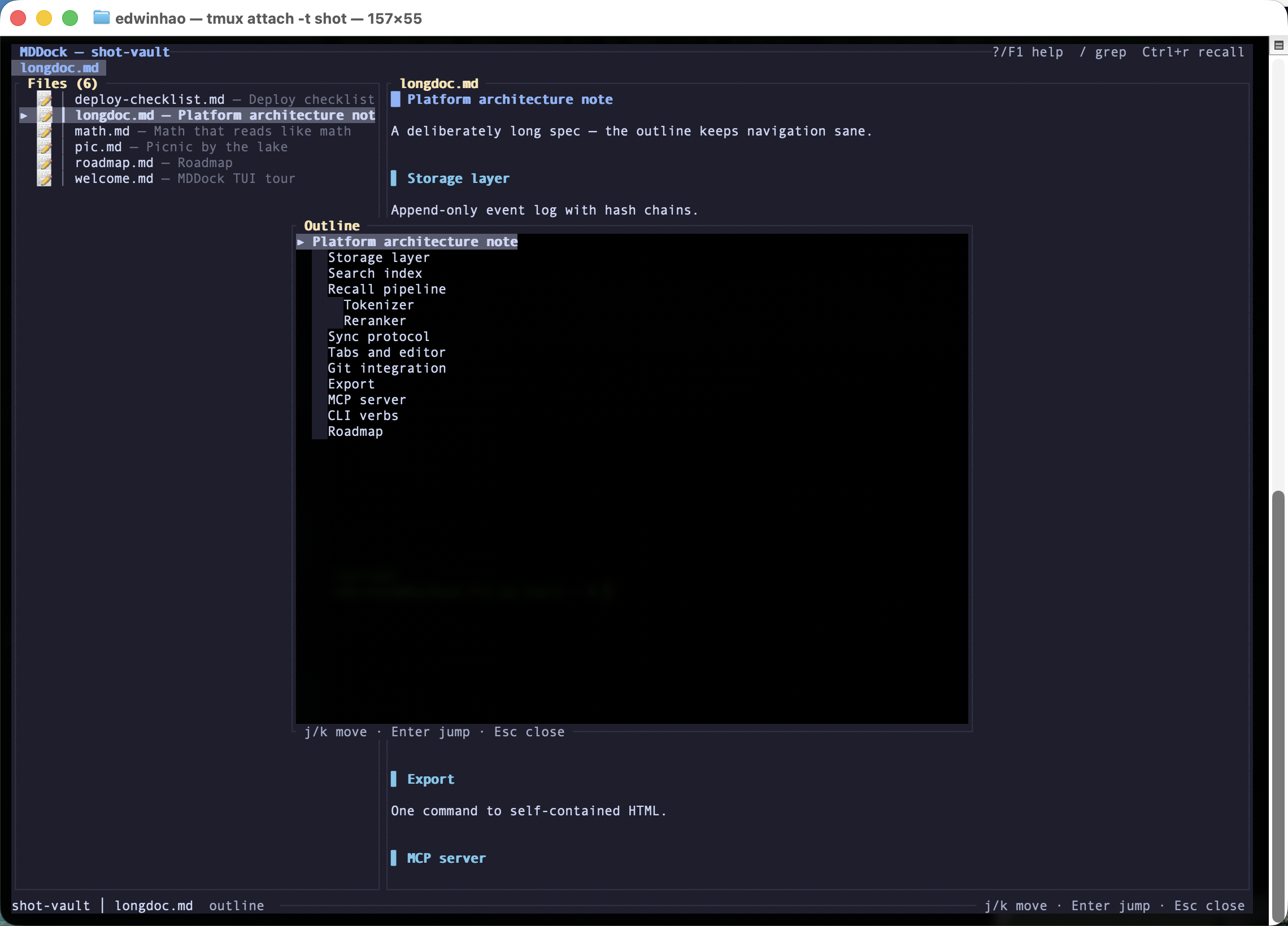
Press o for a heading outline of the current document — j/k to move, Enter jumps to the section.
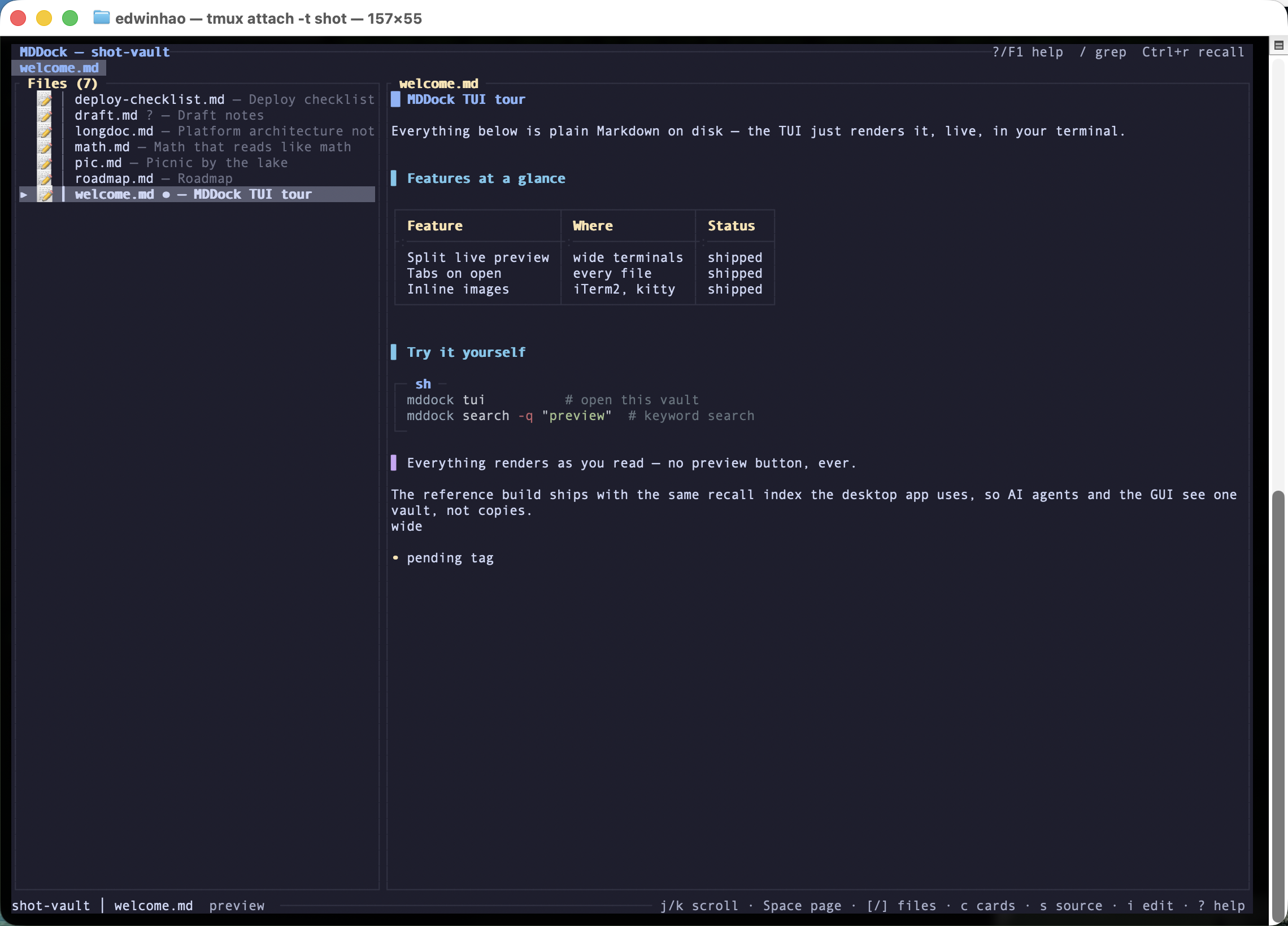
The title bar shows each file's git state at a glance — modified, untracked, clean.
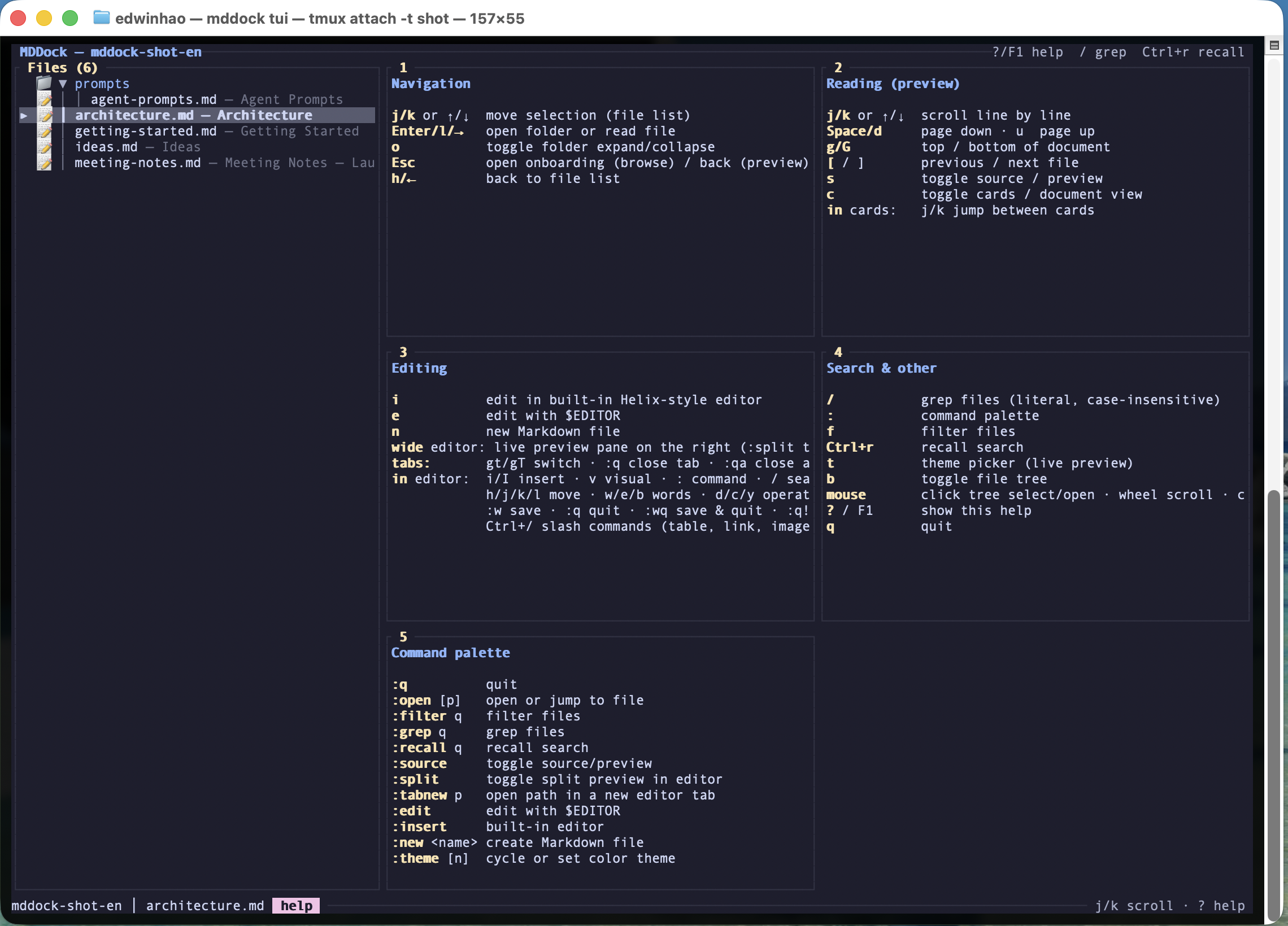
Press ? anywhere and every shortcut appears. No manual required.
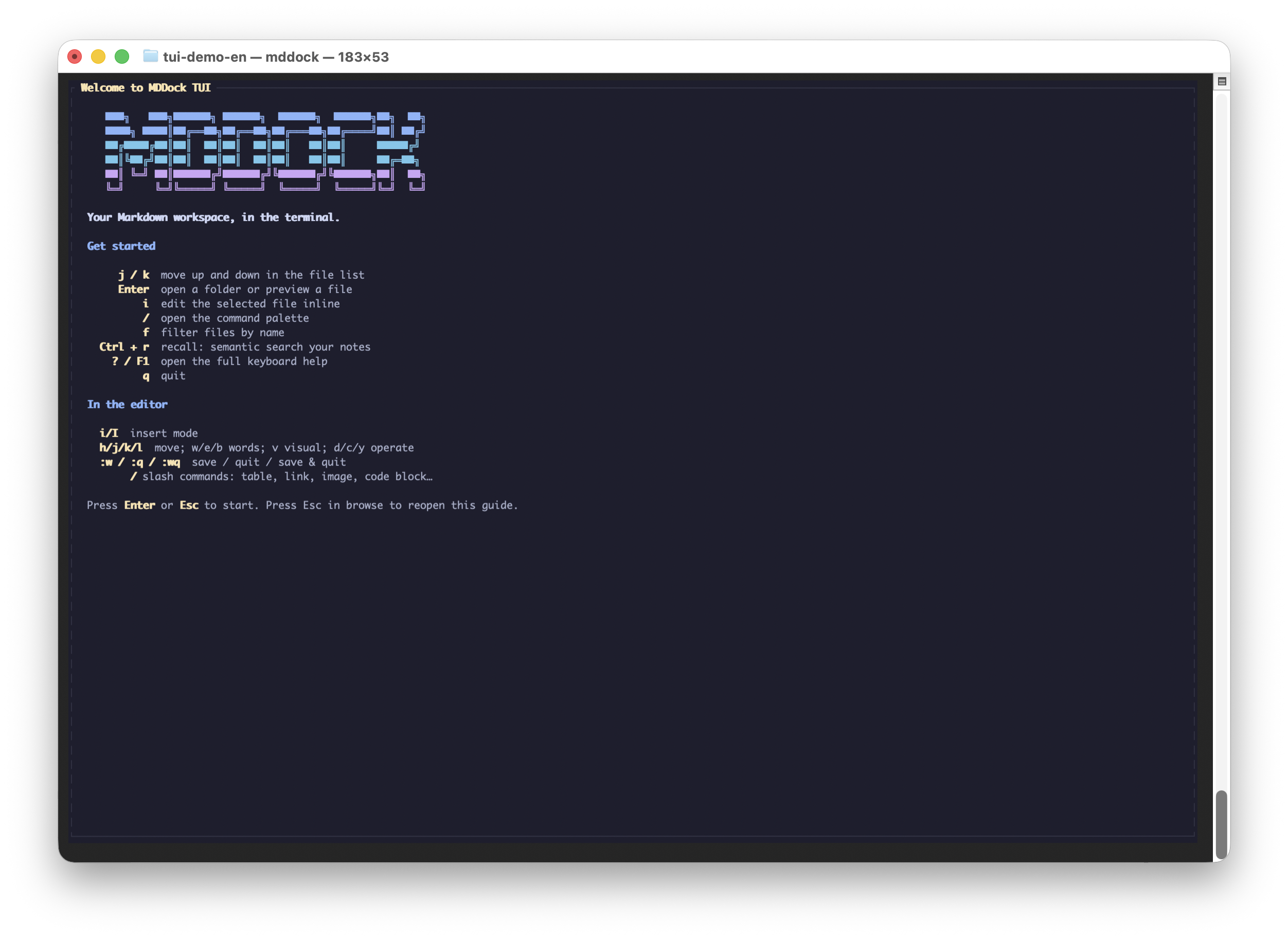
Open any folder and it just works — a guided first screen orients you in seconds.
Four themes
Dress your terminal for the occasion.
Catppuccin Mocha and Latte, Tokyo Night, Gruvbox — every pane, table and code block re-tinted, in true color.
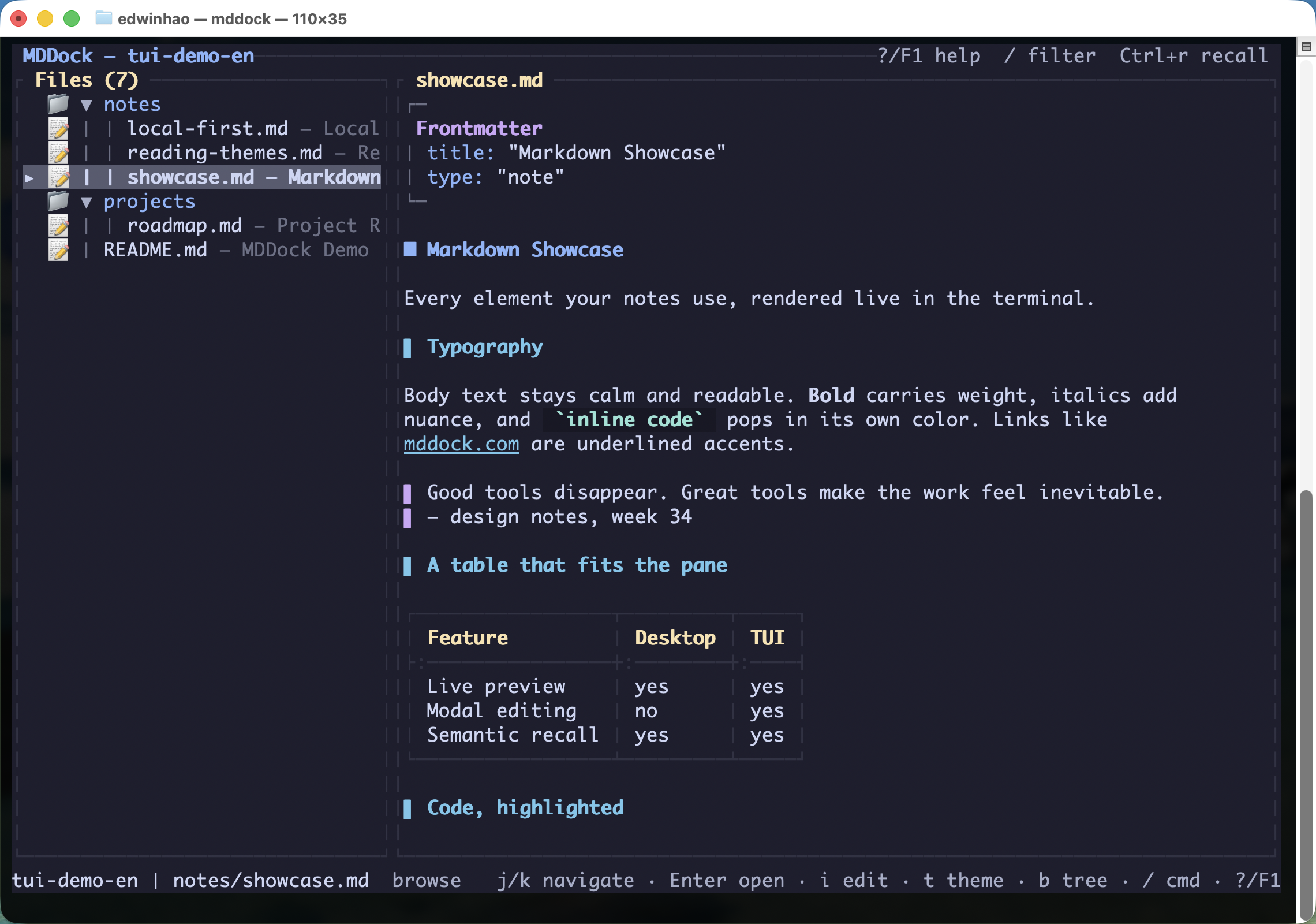
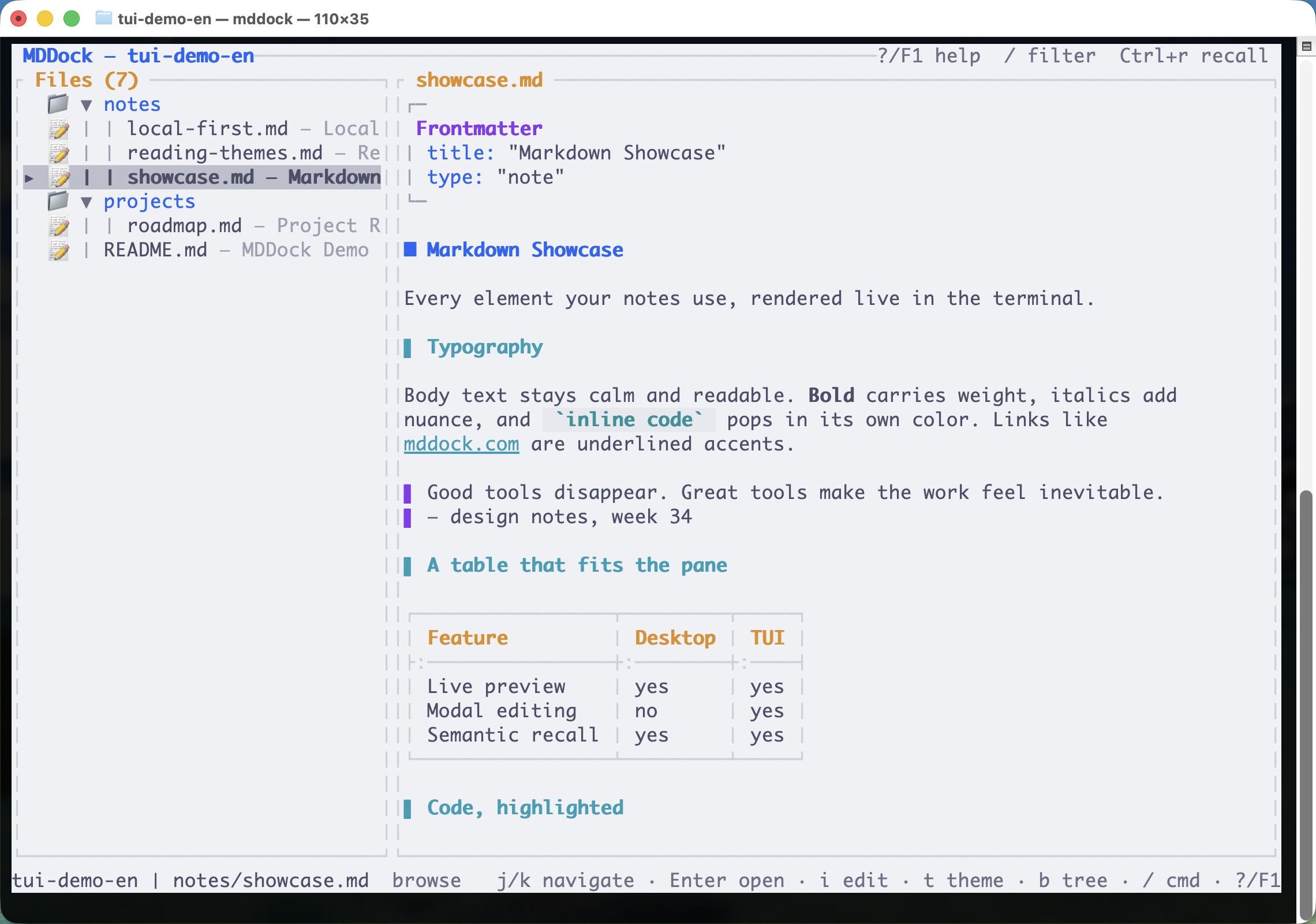
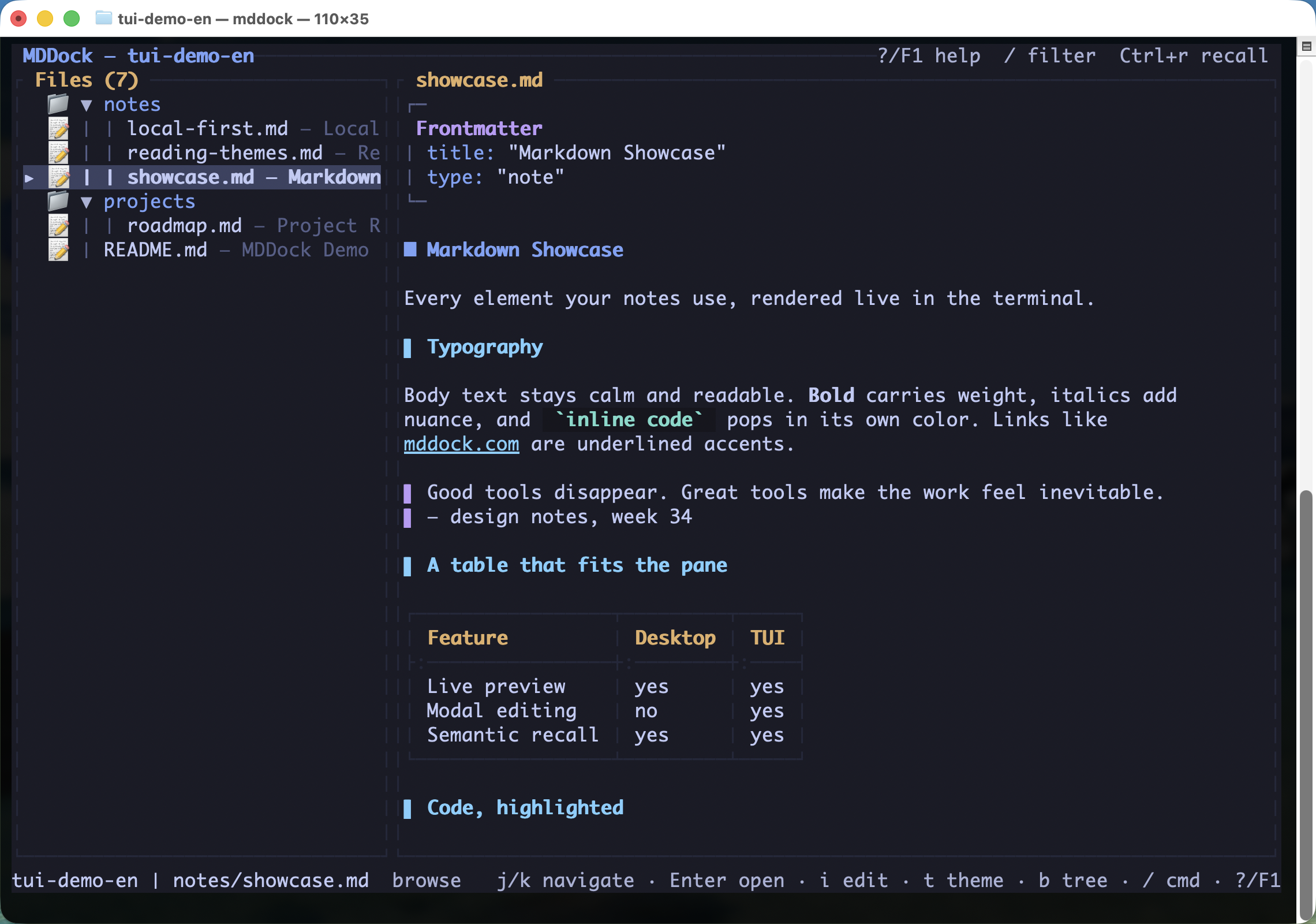
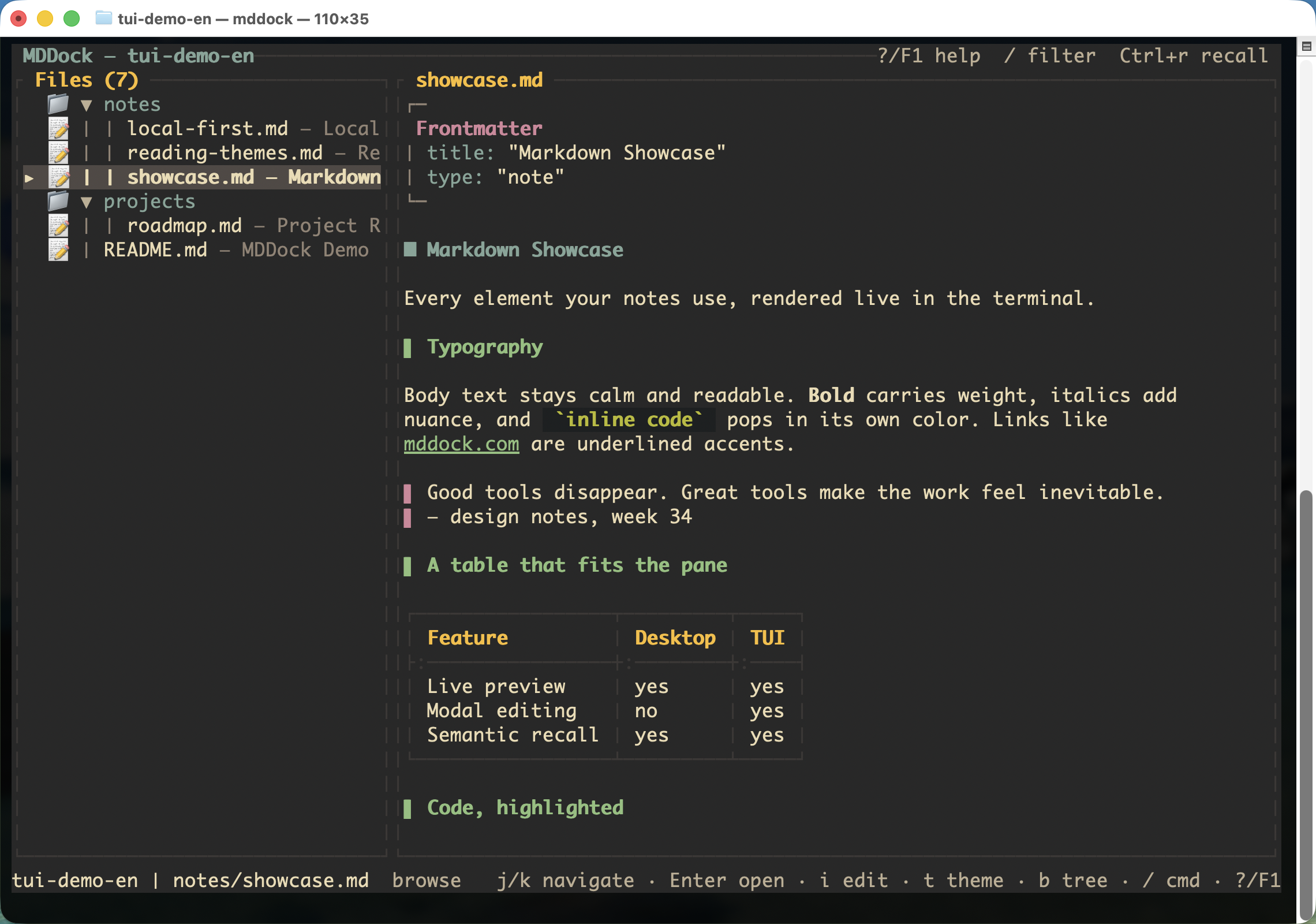
Press t inside the TUI for the theme picker — j/k previews each theme live, Enter keeps it — or type :theme <name>. Your pick is remembered across sessions, over SSH too.
Why the terminal
Everything the GUI does, at keyboard speed.
The TUI is not a stripped-down viewer — it shares the same files and the same recall index as the desktop app.
AI semantic search, in a terminal
Ask in natural language, get answers grounded in your own notes. The built-in MCP server lets Claude Code, Cursor and other AI agents read and write the same vault.
Split live preview
On a wide terminal the editor splits automatically: source on the left, rendered preview — including your unsaved buffer — on the right. :split toggles it.
Vim-style modal editing
Helix-flavored modal editing with syntax highlighting — i to insert, Esc to go back. Type / inside the editor for a slash menu of headings, tables and lists.
Autosave
Pause for a second and a half and every open tab is written to disk — :w is history.
Tabs
Open as many files as you like — every open becomes a tab. Tab / ⇧Tab (or gt / gT in the editor) to switch, click the tab bar, middle-click to close.
Vault-wide text search
Press / (or :grep) to search every file at once — case-insensitive, literal, Enter jumps to the match. The fast path next to AI search.
Mermaid diagrams
Flowcharts and sequence diagrams render right in the preview; other diagram types degrade gracefully to code blocks — never a crash.
Watches the disk for you
git pull, the desktop app, or an AI agent editing files? The tree and previews refresh automatically — and your unsaved changes are never overwritten.
Four themes, mouse included
Catppuccin Mocha & Latte, Tokyo Night, Gruvbox in true color — plus full mouse support: click tabs, open search hits, scroll anywhere.
Images, right in the terminal
Markdown images render inline as true-color half-blocks in iTerm2, kitty and other modern terminals, with an mtime cache so re-renders are instant. Older terminals degrade to 256 colors; terminals with no graphics get a clean placeholder.
LaTeX math that reads like math
Inline $...$ and block $$...$$ render as Unicode math — ∑, ∫, √, superscripts, subscripts, Greek letters — so technical notes stay readable without leaving the terminal.
Document outline
Press o for a sidebar of the document's headings — j/k to move, Enter to jump. Long specs stop being scroll marathons.
:export to self-contained HTML
One command — :export report.html — writes a standalone HTML file of the current document, styling included, ready for anyone without MDDock.
Not just a pager.
glow renders Markdown beautifully, but it is read-only. mrkdup edits, but shows no rendered preview. MDDock is the only terminal Markdown workspace that reads, writes and AI-searches — a rendered preview as you type, inline images and LaTeX math, semantic search over your notes, and an MCP server so AI agents work in the same vault.
Scriptable CLI
One binary, every verb.
The same `mddock` binary drives the TUI and a scriptable CLI — pipe it, cron it, SSH it.
$ mddock
# open the TUI in the current directory
$ mddock recall launch scope
# semantic search, returns citable sources
$ mddock search --mode fulltext "deploy"
# full-text search, straight from your shell
$ mddock --help
# every subcommand, documented
macOS / Linux — install the standalone CLI with one command:
cd into any folder of Markdown and run mddock — it initializes itself, nothing to configure. Prefer a GUI too? The same CLI ships bundled with the MDDock desktop app: one download, both interfaces.
Download MDDock →Frequently asked questions
Does the MDDock TUI work over SSH?+
How is MDDock different from glow?+
Do I need the desktop app to use the terminal version?+
Does it have vim keybindings?+
What can the AI search in the terminal actually do?+
Can a terminal really show images and math formulas?+
Can I manage files without leaving the TUI?+
How do tabs work when I open several files?+
Turn your documents into an AI-readable knowledge base
Try the free tools in your browser, then download the desktop app to keep everything local.